
App Review: Todoist
Freemium solution for coordinating household chores

Best for a Household
There are a lot of to-do list apps. Most of them work well for an individual. But Todoist is the one that my wife and I have found is best for coordinating a household—especially as busy parents of young kids. We have used Todoist for several years. We like the ease of creating and assigning tasks, keeping them organized, and rescheduling them when we need to. Todoist is free to use across various operating systems (subscription for additional features).
We have previously tried the default Reminders app (free for MacOS and iOS), Things 3 ($50 MacOS or $10 iOS), and Google Keep (free, various). These all seem like fine options for an individual, but they don’t cut it for coordinating. We’ve also tried the classic “did you remember to do X today?” and “which of us is cooking supper tonight?” Todoist version is much better.
Coordinating Who Does What
One area Todoist really outperforms the competition is on task visibility. You can “assign” tasks to someone, but the tasks remain visible for the whole household. We originally got Todoist to keep track of the various things we needed to do when we first bought our house.
We still use this feature. For example, my wife does most of the meal planning, but I cook often. We can “assign” the cooking task to keep track of who is cooking that day.

Advice for New Users
If you make an account, enable two-factor authentication (2FA) for security in the account settings. Also, make sure your tasks can be checked off or rescheduled.
Break down tasks to check things off
Break down tasks into something you can actually check off—if you only have time to clean one bathroom at a time, don’t make the task “clean the bathrooms.” If you normally get groceries at three different stores, don’t make a task “get groceries,” make tasks “go to Store 1,” “go to Store 2,” and “go to Store 3.”
Check off tasks or reschedule
Todoist works best if you keep your “Today” tab current. Aggressively reschedule tasks or use the “postpone” option to kick the can down the road if you’re not going to get to everything.
Recurring Tasks
Daily and weekly stuff
We have a lot of daily or almost daily projects that Todoist handles well.
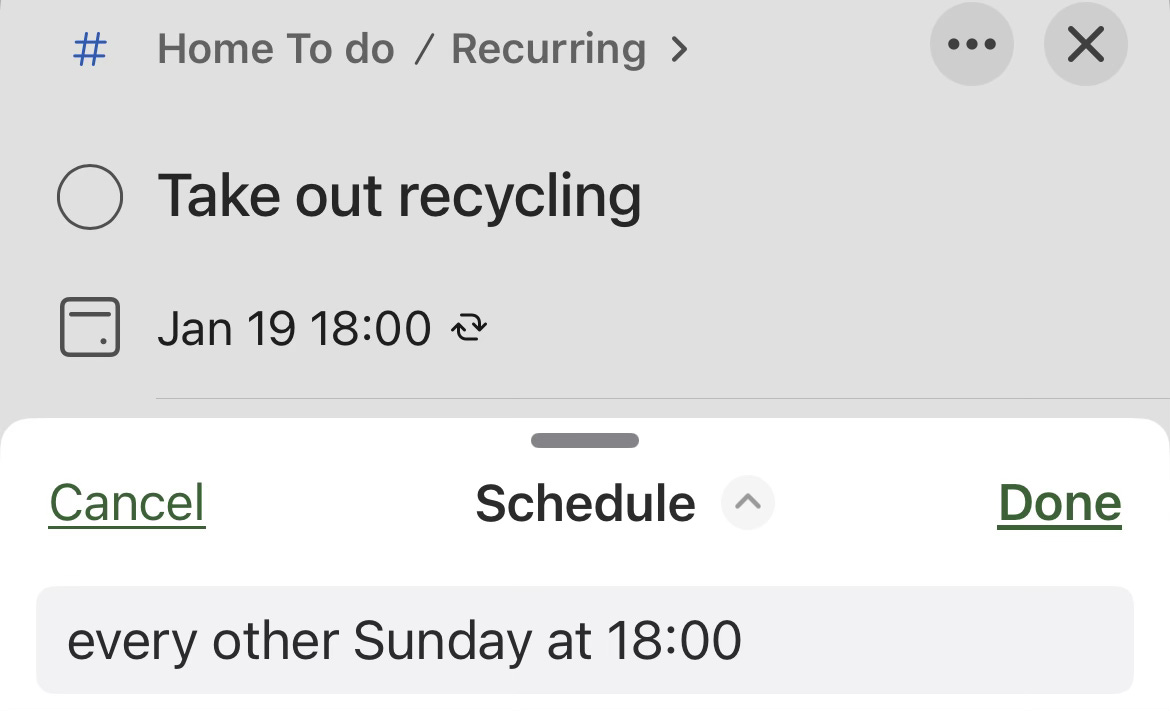
Todoist handles plain language recurring events well, so for example “Get the mail” is set to recur “every weekday.” Since we only take out the recycling every other week, I have two Todoist tasks for the bins: a weekly one for “take out trash” and an “every other Sunday” one for “take out recycling.” It’s nice to offload the need to remember that on the app.
Long-term stuff
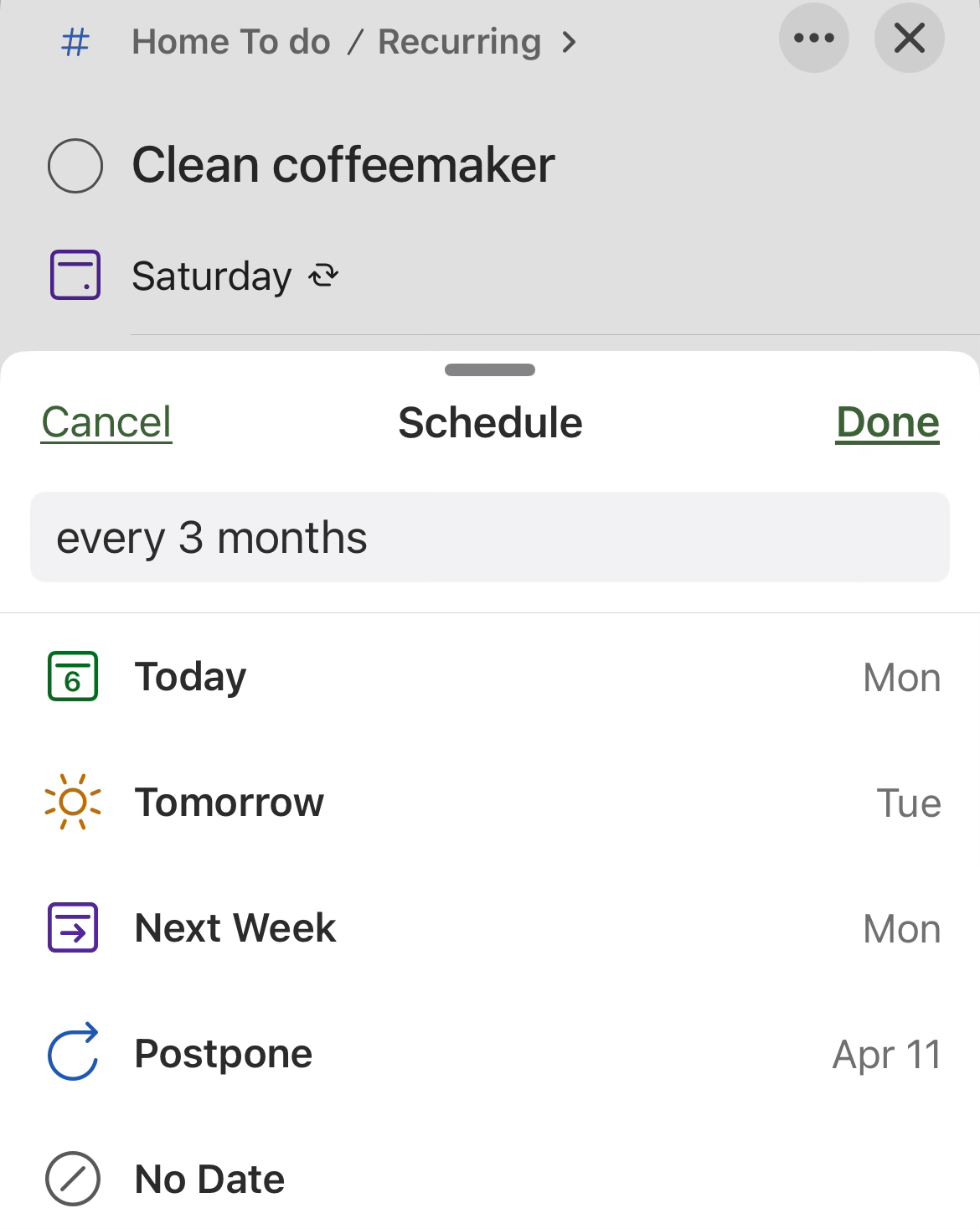
Todoist really helps keep track of stuff you know you need to do but can never remember when you last did. Like “replace air filter” or “fridge water filter” or “clean the coffeemaker.”
Planning for the Future
It’s winter, but we’re already getting ideas for later this year. Next spring, what garden plants do we want? What outside home improvement projects do we want to do in the summer? We can make a list of tasks on Todoist.
What are some things we’d like to do someday “when we have the time?” We can add those to-dos and either not give them a due date, or put them far in the future. We can even keep track of specific details by adding links to the sub-tasks.
Again, Todoist is free—give it a try and see if you find it helpful. If you do, let me know.